How to unlock hidden professional association revenue through member dashboards
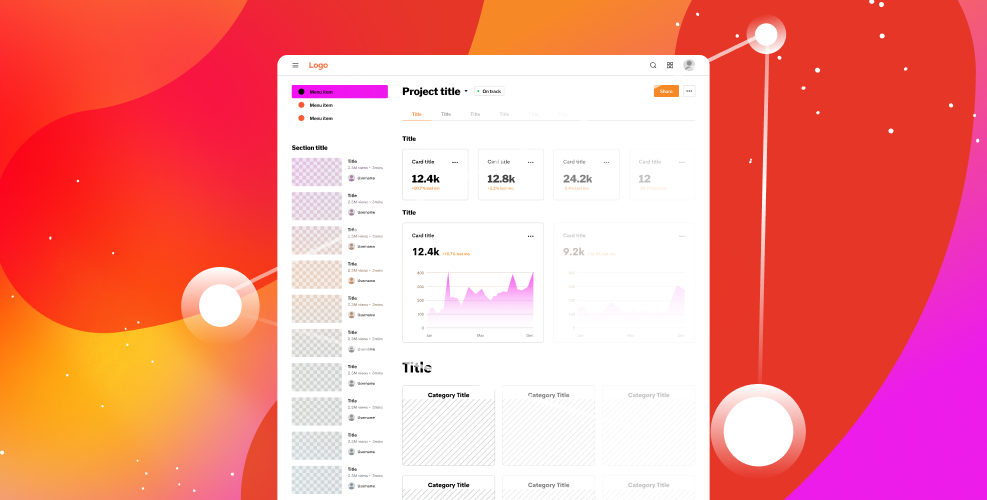
Pretty much every professional membership association has a member dashboard on their website, but how effective is it? Is it just a place members go to update their address or change their password? If yours is, you’re missing out on a valuable opportunity to better serve your members as well as increase retention and association revenue. Many of your members joined because they wanted to grow their careers, and what they see on their dashboards should reflect that.
So, what should you feature on your member dashboard? Before you can answer that, you need to get to know your members. Curation is key! Survey your members on their goals and interests when they join your association, and every few years after to keep your information up to date. For existing members, you can also use information gathered from your association management software or customer relationship management system data to keep track of their job titles, see what they’ve purchased, and view event registration.
Once you’ve gathered all of that information, you can start personalizing the experience for each member. Pro tip: Creating a robust taxonomy system can help automate this through content tags. To get you started, here’s a list of things that will keep your members coming back to their dashboards:
- Continuing Education and Training: Highlight upcoming CE events, such as webinars, seminars, and on-demand training that will help your members boost their careers. Including a progress bar that tracks a member’s achievements will help keep them motivated (and signing up for more events).
- Certification and Credentialing: Feature upcoming certification and credentialing opportunities. You can also add badges as your members complete accreditation for added encouragement.
- Networking Opportunities: Showcase in-person and virtual conferences, meetings, and online forums that match each member’s interest. If you have a member directory, you could also feature members with similar interests and experience.
- Career Resources: Identify relevant job matches if you have a job board. You could also feature job placement services, such as resume reviews or interview preparation assistance.
- Mentoring: Include potential mentor/mentee matches if you offer mentoring programs.
- Industry Content and Research: List the latest industry publications, journals, and research to keep members informed and engaged. If you offer subscriptions, this is a good place to catch the attention of potential new subscribers.
- Leadership Opportunities: Promote relevant leadership opportunities, such as committee openings or leadership roles within your association. Keeping your members actively involved in your association keeps it healthy and helps with member retention.
It’s important to note that you don’t want to overwhelm your members. This is where curation comes in. If your members are flooded with too much information, or with content that isn’t important to them, they’ll quickly lose interest, and their dashboards will again become places they go only for updating their profile information.